
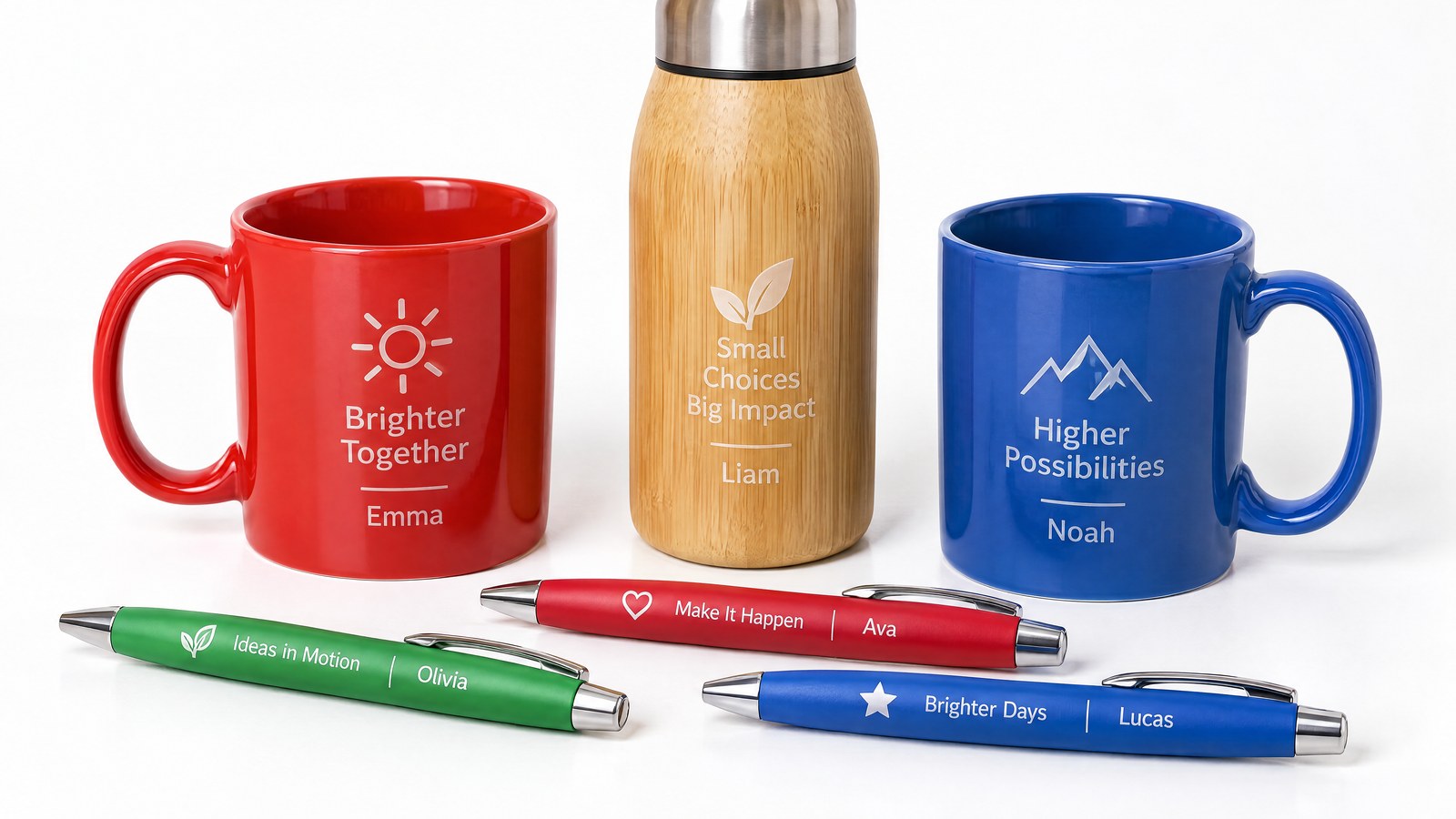
Anyone who produces promotional items knows the scene: a customer approves a sample, then orders ten thousand, and halfway through the job comes the request to add each recipient’s name or to change the logo for a second product line. With traditional printing techniques, every graphic variation means stopping, redoing the setup and starting again. The time spent preparing the machine ends up weighing more than the marking itself, and the flexibility the customer takes for granted becomes a shop-floor problem.
Laser marking shifts the balance point. There is no physical tooling dedicated to a single graphic: changing the design means changing a file. On a well-designed workflow, going from a one-off piece to a run of ten thousand with variable graphics requires no retooling whatsoever. And this is precisely where the premise of this article comes in: when the laser eliminates setup time, the bottleneck moves upstream, to the quality and organisation of the data feeding production.
Why setup was the bottleneck with printing
In contact printing techniques the graphic lives in a physical medium: a frame, a cliché, a pad. Preparing that medium, mounting it, registering it and aligning it takes time and skilled hands, and that time is independent of the number of pieces: it is the same for one or for a thousand. On long, always-identical runs it dilutes and pays for itself; on small batches or on graphics that change often it becomes the dominant item in the cycle.
Every promotional production manager knows the result: small personalised runs are the most awkward to manage precisely because the cost of the graphic change does not scale. Every variant is a machine stoppage, and heavy personalisation — the kind where each piece is potentially different — is simply not sustainable with a physical medium that has to be remade each time.
The laser eliminates tooling: from cliché to file
With laser marking the graphic is no longer an object, it is a digital path. The beam follows the route defined by the FlyCAD management software, and changing the design means loading another layout. There is nothing to dismantle, clean or register between one graphic and the next: the time that setup used to require simply no longer exists.
This overturns the logic of batches. The one-piece run and the ten-thousand-piece run use the exact same machine setup; all that changes is the content to be marked. The mark is also obtained directly on the material, with no inks or printing consumables to manage and align — an advantage we already covered when discussing direct marking versus inkjet printing. The repeatability is that of a software-controlled process: the ten-thousandth piece comes out with the same contrast and the same position as the first.
One-to-one personalisation: when every piece is different
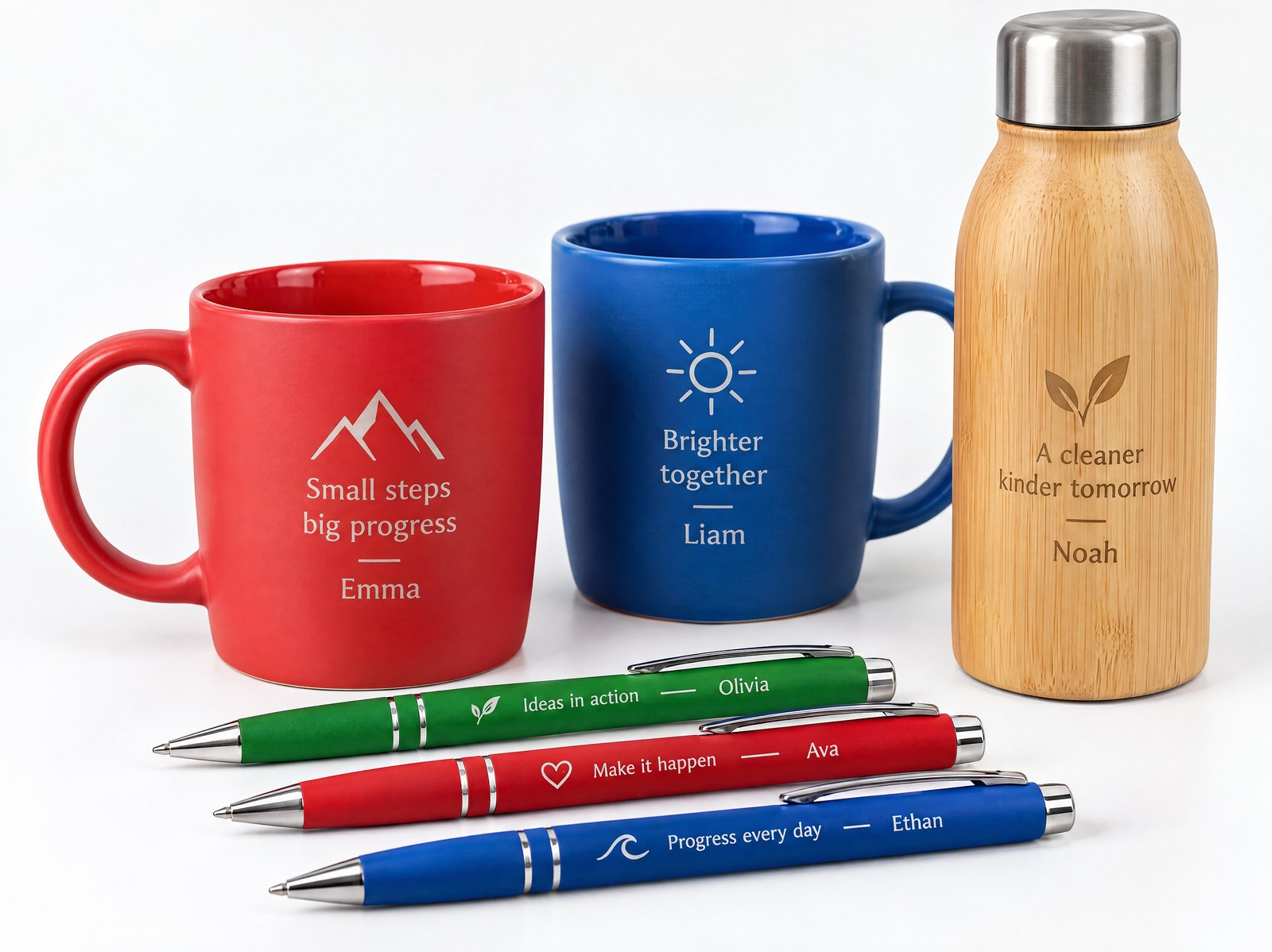
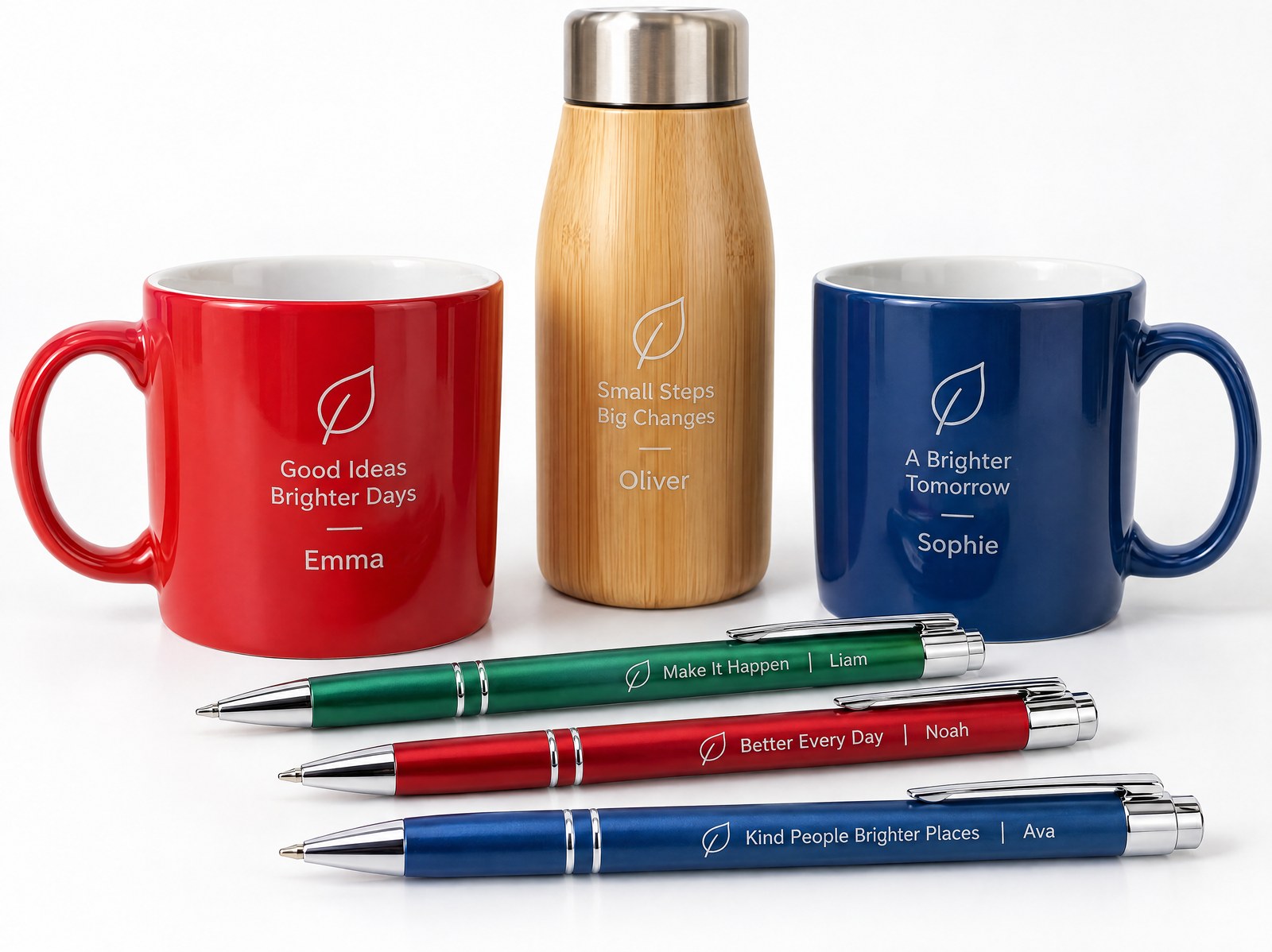
The most interesting consequence is mass personalisation. If every marking is defined by a file, nothing prevents that file from changing with each piece. FlyCAD can read the data to be drawn piece by piece from a list or an external database: a variable text field — a name, a sequential number, a town, a code — is automatically replaced at each cycle, while the rest of the layout stays fixed.
From data to personalised objectFile or databaseFlyCAD layoutPiece-by-piece markingUnique graphics on every objectIn practice you prepare the layout once, connect the data source, and the machine marks ten thousand different objects in sequence without anyone touching the graphic from one piece to the next. It is the same principle with which we manage serial marking in industrial traceability, applied here to aesthetic results: here the variable field is not a batch, it is the name of the person who will receive that bottle or that pen.
The new constraint is called data management
If tooling disappears, the limit shifts. The real bottleneck of one-to-one personalisation is no longer the machine, it is the quality of the records that feed it. A list with inconsistently written names, unhandled accented characters, fields too long for the available space or duplicate rows turns into just as many pieces to rework — and on a personalised run an error in the data is an error marked permanently.
This is why a well-set-up personalisation project devotes attention upstream to a few concrete points:
- consistency and cleanliness of the source list or database, with clear rules on lengths and permitted characters;
- definition of the marking area and of the behaviour of variable text when a name is longer than average;
- order and correspondence between the sequence of the data and the physical sequence of the pieces in the machine;
- a reading check or a visual verification when the marking includes codes meant to be read back.
These are preparation activities, not shop-floor ones: once set up, production flows. But that is where a personalised job is now won or lost.
Drinkware and 3D objects: large field and prescan head
Many promotional items are not flat. Bottles, tumblers, insulated flasks and other drinkware items have cylindrical or curved surfaces, often to be marked over a fairly large developed area. This is where scan heads with prescan come into play, focusing the beam even on surfaces at varying heights while keeping a sharp mark where the distance changes.
On the larger working fields the solution is not prescan alone, but a hybrid XY + prescan configuration: the axes move the object or the head to cover the entire surface, while the prescan handles the depth variations within each zone. It is the same principle we described when discussing the use of the prescan head on the larger working fields: the graphic stays uniform from edge to centre, with no blurred or fading-contrast zones.
One laser, many materials: glass, wood, plastic, metal
The promotional catalogue is inherently heterogeneous: the same collection may include a steel bottle, a wooden keyring, a plastic accessory and a glass gadget. Not all of them react to the same light, and the choice of source follows the material: fibre works well on metals, UV is the gentlest technology on sensitive plastics and glass, CO₂ is at ease on organic materials such as wood.
The key point for anyone managing a promotional line is brand consistency across different materials: the same logo must read with the same quality on surfaces that respond differently. We have gathered the comparison of the different laser technologies on promotional materials precisely to guide this choice case by case, according to the object and the desired effect.
Where screen printing and pad printing remain the right choice
The laser is not the answer to every promotional job, and it is worth saying so clearly. When the project calls for solid-colour fills, gradients or large infills, screen printing and pad printing were born for that and remain the reference technologies. The same applies to large, always-identical runs on flat surfaces: where the graphic never changes and volumes are very high, the physical printing medium pays for itself and becomes highly competitive on time per piece.
Laser marking is at its best in the opposite situation: batches that change often, one-to-one personalisation from a file or database, three-dimensional objects and mixed materials, the need for a permanent, consistent mark without consumables. In short, if your problem is moving quickly from one piece to ten thousand with variable graphics, the laser removes the constraint from tooling and hands it back where you can really govern it: in the quality of the data. If instead you need to cover thousands of identical pieces with colour, traditional printing remains the more rational route.

Senior Applications Support | LASIT
Senior Applications Support at LASIT for over 10 years, Ciro Ventura is a specialist in laser marking applications for laboratory sample testing. He supports customers and technical teams in evaluating and selecting the most suitable laser solution for their needs.


